> For the complete documentation index, see [llms.txt](https://docs.daylite.app/help/llms.txt). Markdown versions of documentation pages are available by appending `.md` to page URLs; this page is available as [Markdown](https://docs.daylite.app/help/mac-fundamentals/german/overview/calendar-integration.md).
# Kalender-Integration
Ist Ihr Unternehmen kürzlich von einer PC- auf eine Mac-Umgebung umgestiegen?
Vielleicht haben Sie Ihre Kalender in verschiedenen Anwendungen auf Ihrem Computer und versuchen, sie besser zu organisieren. Oder vielleicht befinden sich Ihr Arbeitskalender und Ihr persönlicher Kalender auf ganz unterschiedlichen Macs. Falls Sie schon einmal ein wichtiges Meeting verpasst haben, weil Ihre Kalender nicht miteinander kommunizieren, dann ist Daylite die Lösung.
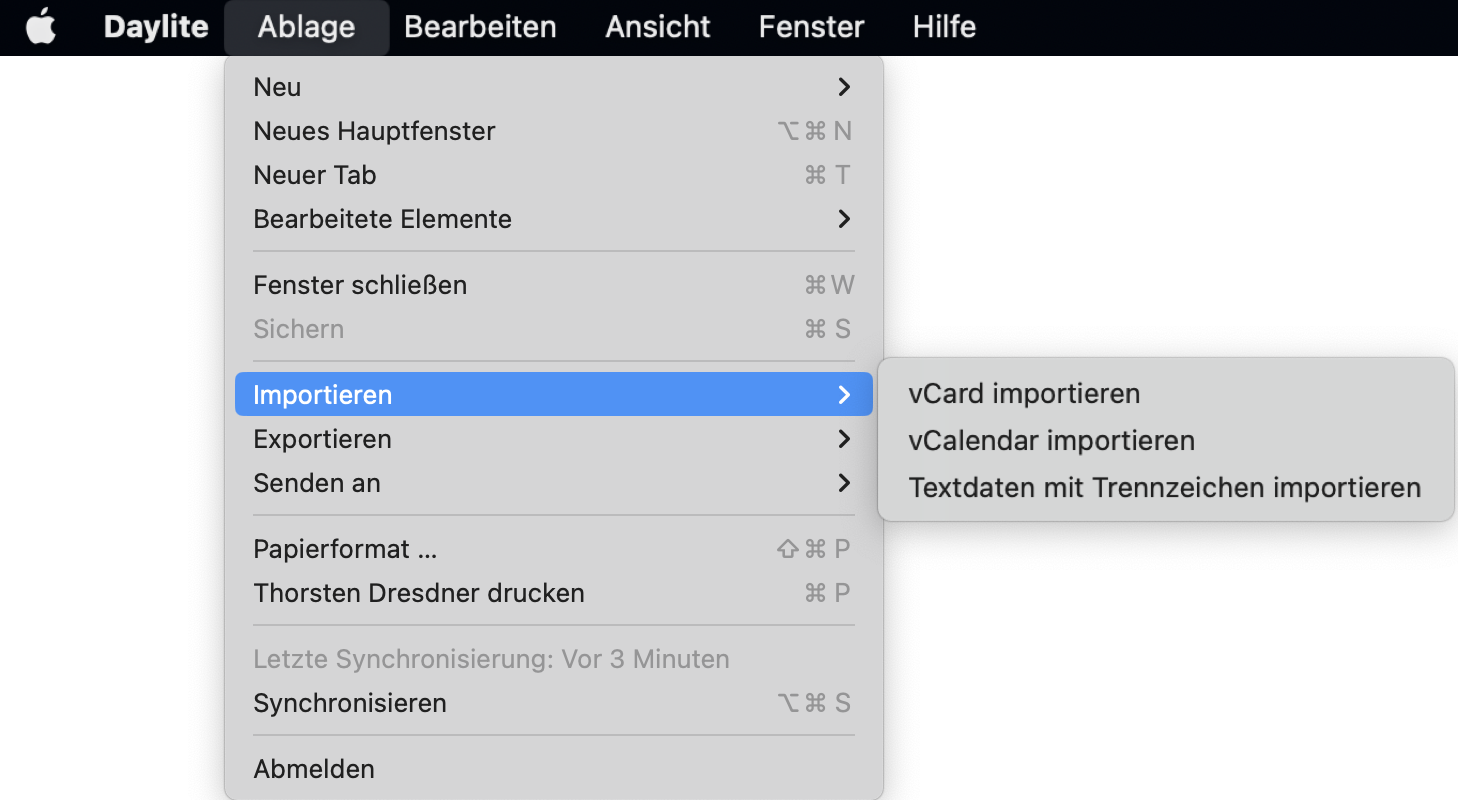
Mit Daylite können Sie Ihre Kalender in den Formaten **VCalendar** und **Delimited Text Data** importieren und jedes andere Kalenderkonto in Daylite einfügen, das Sie bereits auf Ihrem Mac installiert haben.
Noch wichtiger ist, dass Daylite all diese Bereiche Ihres Unternehmens unter einem Dach vereint, so dass Ihre Kalender keine separaten Einheiten mehr sind, sondern integraler Bestandteil der Daylite-Erfahrung.
Daylite sorgt dafür, dass Ihre Kalender organisiert sind, damit Ihr Unternehmen reibungslos läuft.
---
# Agent Instructions
This documentation is published with GitBook. GitBook is the documentation platform designed so that both humans and AI agents can read, navigate, and reason over technical content effectively. Learn more at gitbook.com.
## Querying This Documentation
If you need additional information that is not directly available in this page, you can query the documentation dynamically by asking a question.
Perform an HTTP GET request on the current page URL with the `ask` query parameter, and the optional `goal` query parameter:
```
GET https://docs.daylite.app/help/mac-fundamentals/german/overview/calendar-integration.md?ask=&goal=
```
`ask` is the immediate question: it should be specific, self-contained, and written in natural language.
`goal` is optional and describes the broader end goal you are ultimately trying to accomplish on behalf of the user. GitBook uses it to tailor the answer towards what is most useful for that goal.
The response will contain a direct answer to the question and relevant excerpts and sources from the documentation.
Use this mechanism when the answer is not explicitly present in the current page, you need clarification or additional context, or you want to retrieve related documentation sections.